 Original screenshot
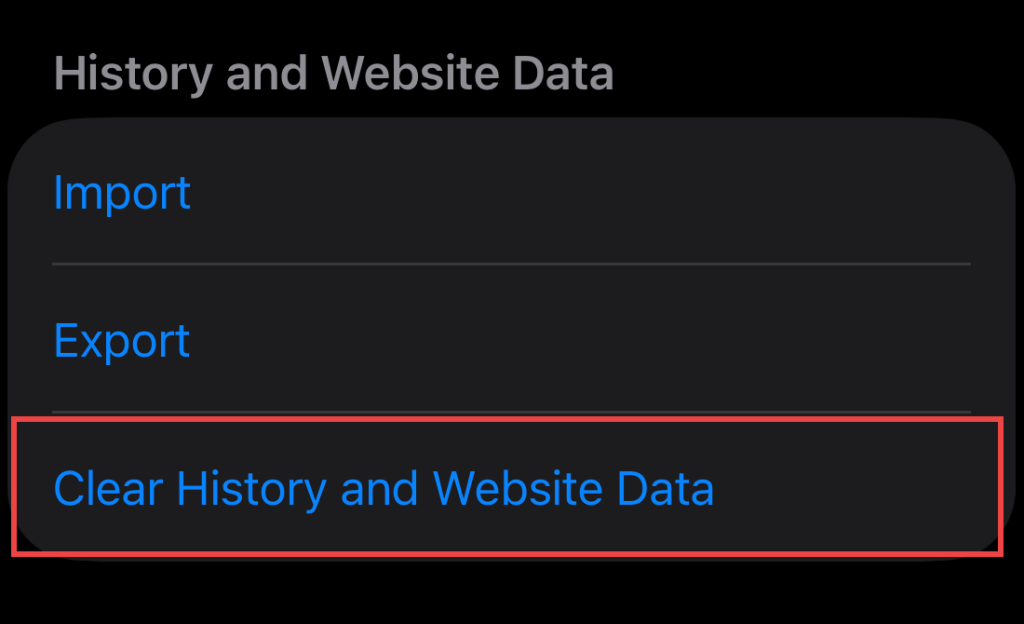
How to Clear Safari Cache on iPhone: What Gets Deleted
Choose how to clear Safari cache and website data on iPhone. Understand browsing history, cookies, sign-ins and AutoFill before confirming a cleanup.
Open guide
Get more clarity from your iPhone. Understand your settings and find your next useful step.
5 guides available
Original screenshotChoose how to clear Safari cache and website data on iPhone. Understand browsing history, cookies, sign-ins and AutoFill before confirming a cleanup.
 Original screenshot
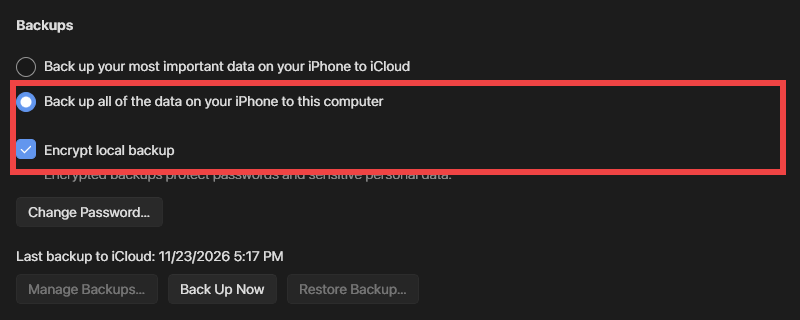
Back up an iPhone with Apple Devices on Windows or Finder on Mac. Choose a local backup, protect its encryption password and confirm completion.
 Original screenshot
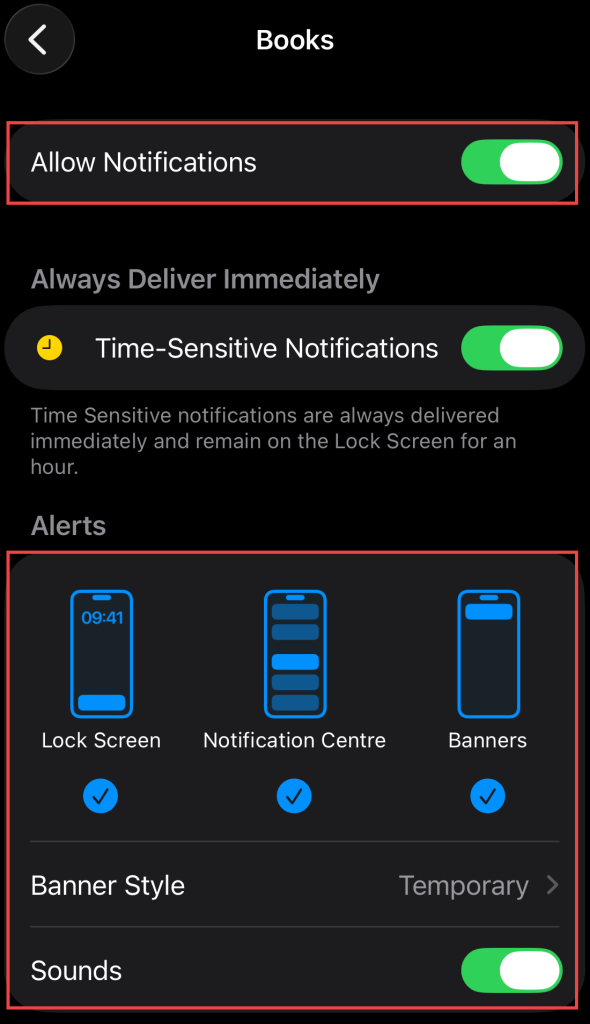
Check iPhone app permissions, Lock Screen alerts, Focus and Scheduled Summary. Use a fresh test message to distinguish hidden alerts from delayed delivery.
 Original screenshot
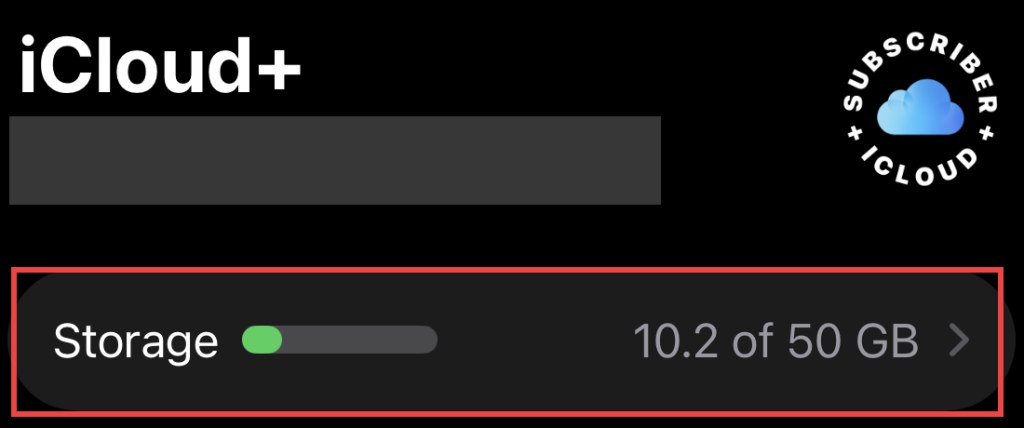
Compare your next iCloud backup size with available storage. Review safer ways to reduce it, protect existing backups, or back up to a computer.
 Original screenshot
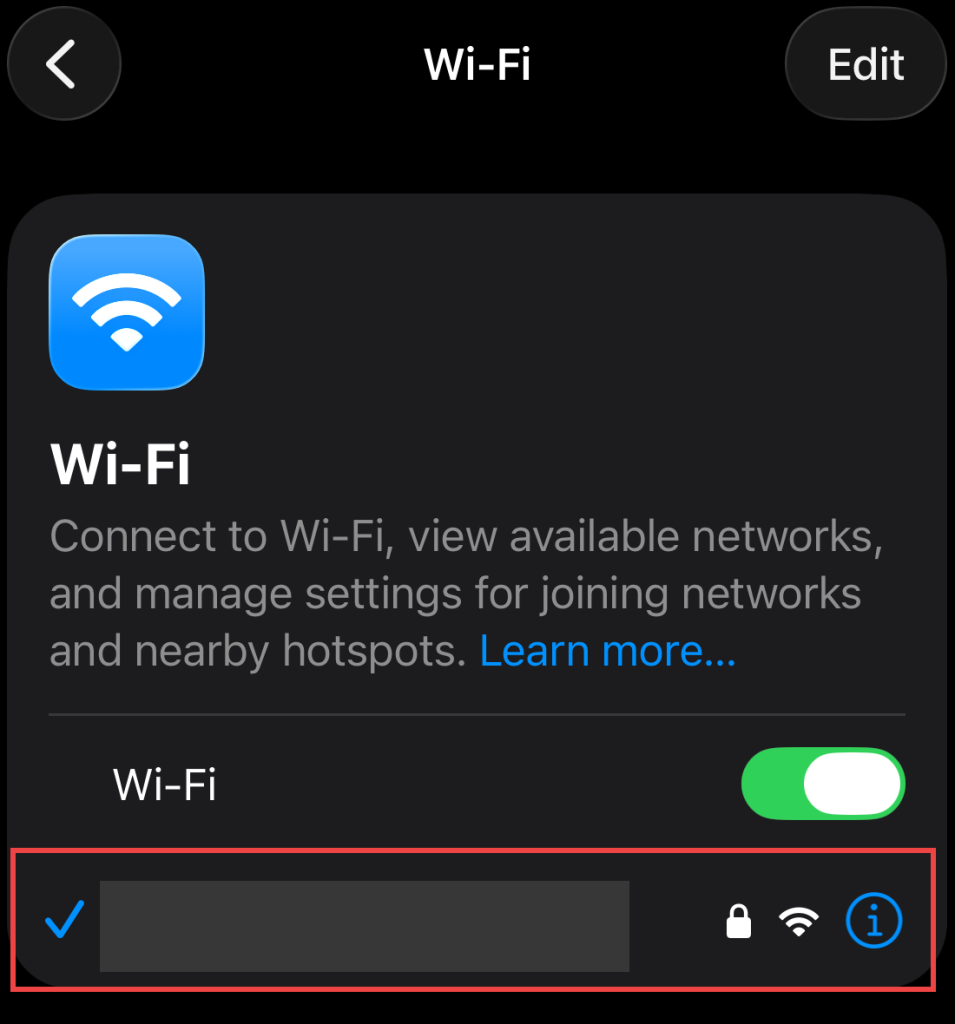
Find whether an iPhone Wi-Fi problem affects one website, one phone or the whole network. Check captive sign-in, VPN software and network reset consequences.
Explore another topic or browse the guides already available.
Browse available guidesEvery guide separates the action you can try from the evidence behind it.
Read our editorial approach